
Extract and launch
Extract the tool archive to a dedicated folder and start the executable from a Windows account with the permissions required for local network discovery.
Latest manufacturer release: WhatsMiner Tool 9.2.5 (EXE version 9.2.5.0721), checked October 4, 2026. The hosted ZIP still contains the earlier WhatsMinerTool-9.2.1.exe file.
Use WhatsMiner Tool on Windows to discover MicroBT WhatsMiner devices on your LAN, change pools and passwords, enable API access, export logs and apply compatible firmware updates.
The local ZIP contains the supplied EXE; see the download page for its identifiers. Compare the file identity with the vendor source and review compatibility before opening it.
This page serves a locally packaged EXE in ZIP format. Keep the WhatsMiner tools page as the source of truth before replacing the file.
Match the version, file extension and release notes to your miner series and control board before using upgrade functions.
Use a clean Windows workstation on the same LAN. If remote, connect by VPN rather than opening miner ports to the internet.
Apply password, API, pool or firmware changes to a limited group first, then expand after the miners report stable status.
This flow matches the main operational intent: find miners, secure the admin account, enable API where needed and only then run pool or firmware operations.
Extract the tool archive to a dedicated folder and start the executable from a Windows account with the permissions required for local network discovery.
Open Miner IP management, enter the start and end address for the miner subnet, save the range and start scanning for online devices.
Change the default admin password through WhatsMiner Tool when API operations or third-party monitoring tools require authenticated access.
Use Remote Ctrl for supported actions such as API Switch, reboot, LED flash, log export, power mode or mining control after confirming firmware support.
Start with one miner: discover its address, confirm its model and firmware, and check its current settings before applying a change to a group. Use the setup guide for the first connection and troubleshooting steps if discovery fails.
Scan LAN ranges and build a working list of WhatsMiner ASICs before setup, troubleshooting or bulk operations.
Apply pool URLs, workers and credentials across selected miners when the network and authentication settings are ready.
Set admin credentials needed for API-enabled monitoring and remote commands in tools such as ASIC Hub or Awesome Miner.
Enable or disable API access on supported firmware so third-party monitoring tools can read status and run allowed commands.
Upload compatible .bin firmware files for the correct miner series. Read release notes before upgrading or downgrading.
Export diagnostic logs, reboot selected miners, flash LEDs for location and adjust supported power or mining modes.
Use the examples below to identify the IP-range controls and plan the order of your checks. The interface and available actions can differ by tool and firmware version.
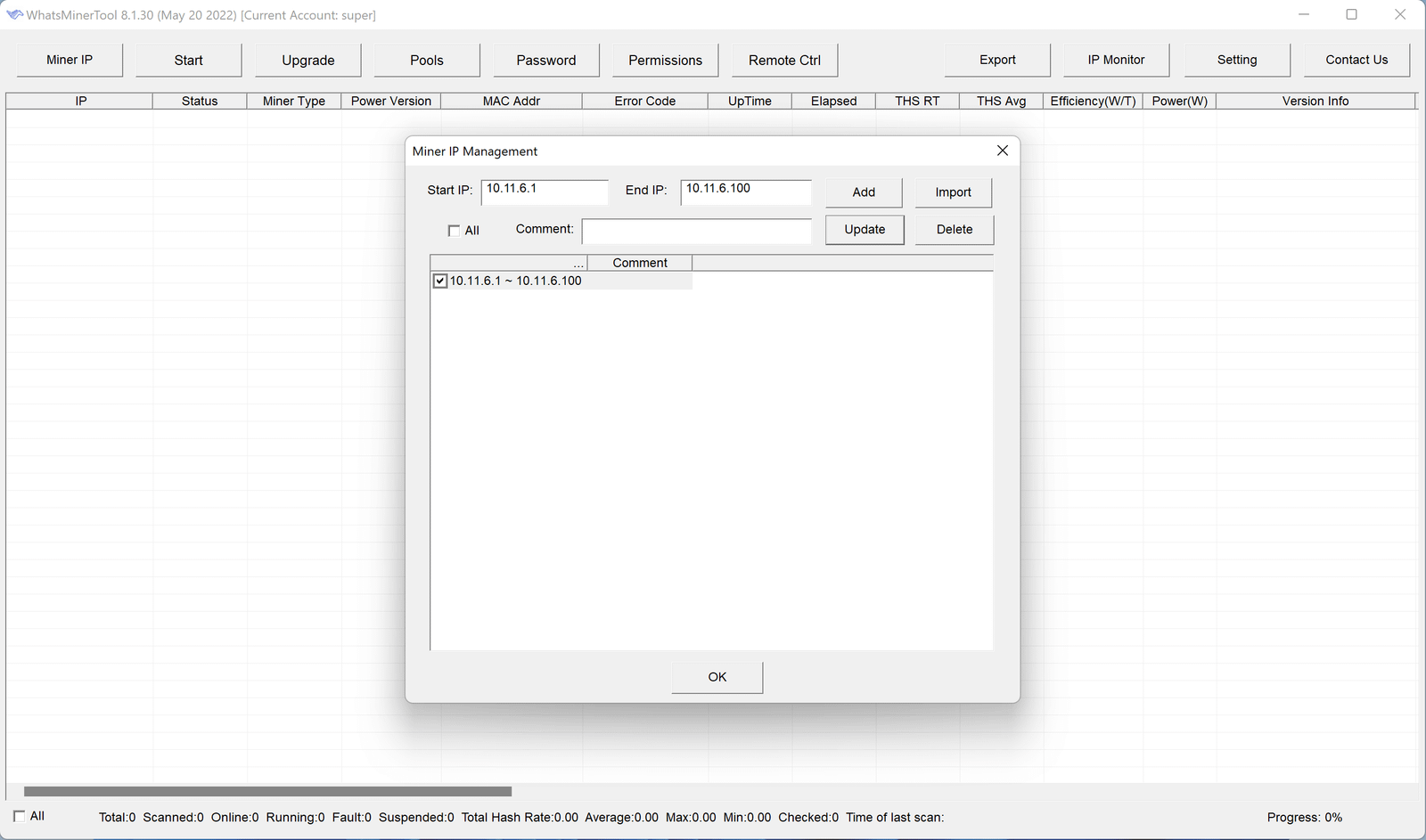
Add the subnet range first so the tool can discover devices before pool, password or firmware actions.
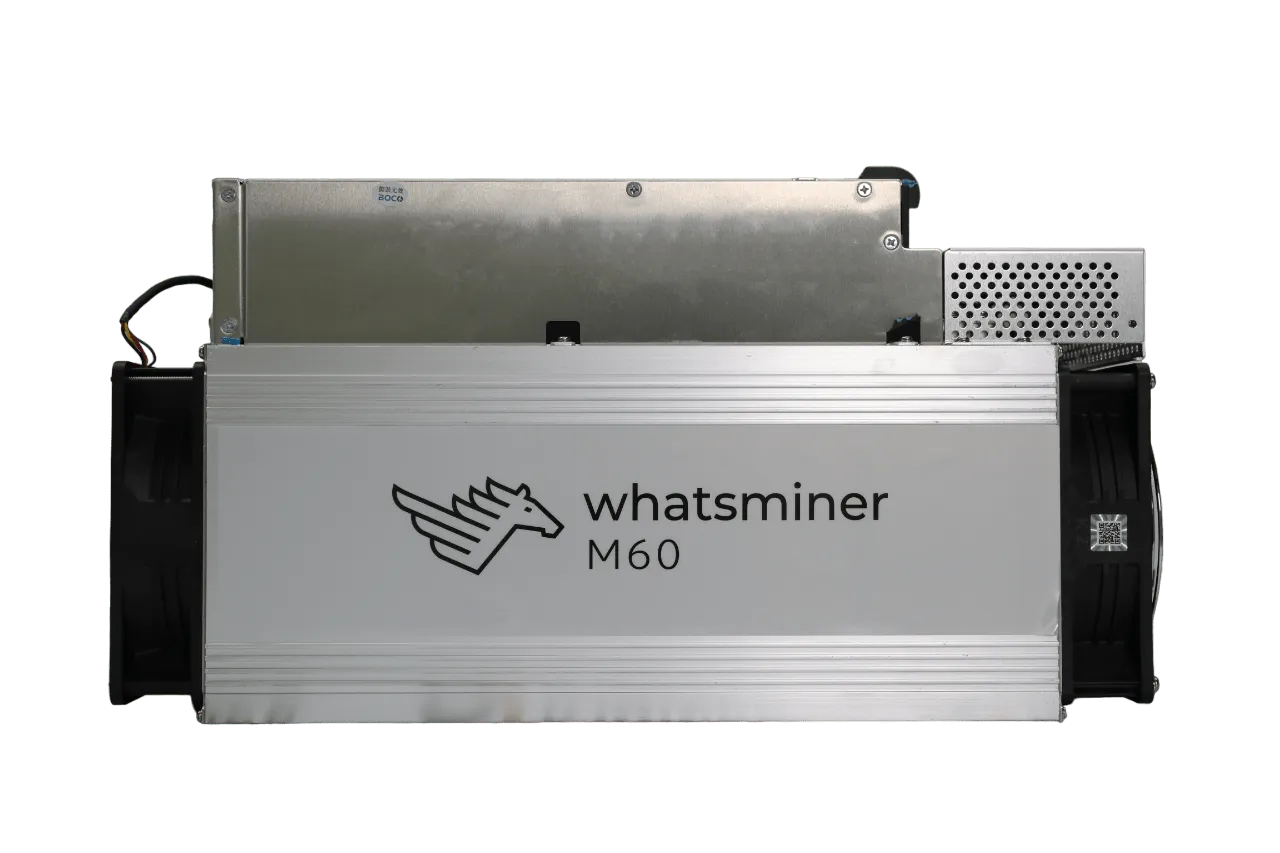
Function availability depends on miner generation, control board and the firmware installed on that device.
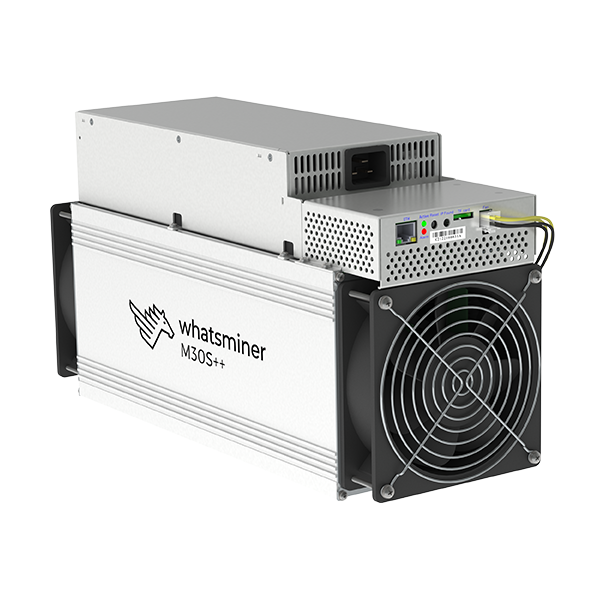
Use a predictable order: scan, authenticate, confirm compatibility, test selected miners, then roll out changes.
Read the exact model and control-board information from the miner before choosing a firmware file. Follow the firmware checklist and the relevant M30, M50 or M60 guide; a family name alone does not establish compatibility.
| Miner family | Typical use with WhatsMiner Tool | Operator check | Status |
|---|---|---|---|
| M60 / M50 / M30 series | IP scan, monitoring, pool settings, logs, supported remote control and firmware workflow. | Confirm current firmware release notes, control board type and whether the desired function requires newer firmware. | Common target |
| M2x series | Legacy firmware updates and basic management tasks may require specific tool/firmware combinations. | Read the exact firmware note before upgrade. Older releases may prohibit rollback to earlier versions. | Legacy caution |
| M10 / D1 / M3 families | Older maintenance and upgrade workflows can differ from newer M-series miners. | Use model-specific instructions and avoid applying new-family assumptions to older control boards. | Model-specific |
| Third-party dashboards | Hiveon ASIC Hub, Awesome Miner, minerstat and Foreman may require API access, credentials or local hub setup. | Use WhatsMiner Tool only for the initial vendor-side configuration the dashboard requires. | Integration setup |
Review the security checklist before enabling remote access or changing miner settings. Keep a record of the original configuration and test changes on one device first.
When connecting a miner to a monitoring platform, confirm the API permissions and credentials it requires. The WhatsMiner API setup guide explains the checks to complete before allowing access.
Windows-based management platform with broad ASIC support, automation and remote actions after vendor-side setup.
Cloud dashboard and hub workflow for monitoring, alerts and management across many manufacturers.
Local hub plus Hive OS account workflow for monitoring, pool management and notifications.
Operations platform for larger mining facilities with remote command, troubleshooting and fleet workflows.
Choose an answer below, or open the full FAQ for further setup questions. For a problem that remains unresolved, collect the model, firmware version and a redacted log using the support checklist.
Check that your Windows PC and miners are on the same subnet or reachable through a VPN. Confirm the IP range, Windows Firewall rules, antivirus network scanning blocks and whether the miners are still booting.
Add the miners, update the admin password through WhatsMiner Tool where required, then use Remote Ctrl and Miner API Switch to enable API access on supported firmware.
Use the .bin firmware file for the exact model family and control board. Do not upload random archives directly, and do not downgrade if release notes prohibit rollback.
Avoid exposing ASIC management ports publicly. Use a VPN such as WireGuard or OpenVPN to reach the farm LAN, then run WhatsMiner Tool as if you were on-site.
Network scanners and mining utilities can trigger heuristic warnings. Do not bypass warnings blindly; verify the source, scan the archive and use a dedicated admin workstation when possible.
Use these pages to verify current release notes, guide details and integration requirements before applying changes to production miners.
WhatsMiner knowledge base entry describing IP management, firmware upgrade, remote control, pool configuration, logs and monitoring.
Open guideReference for API setup and capabilities. Useful before connecting WhatsMiner devices to third-party monitoring tools.
Open API manualUse this page to confirm the latest WhatsMiner Tool and firmware files before downloading or flashing devices.
Open downloads